

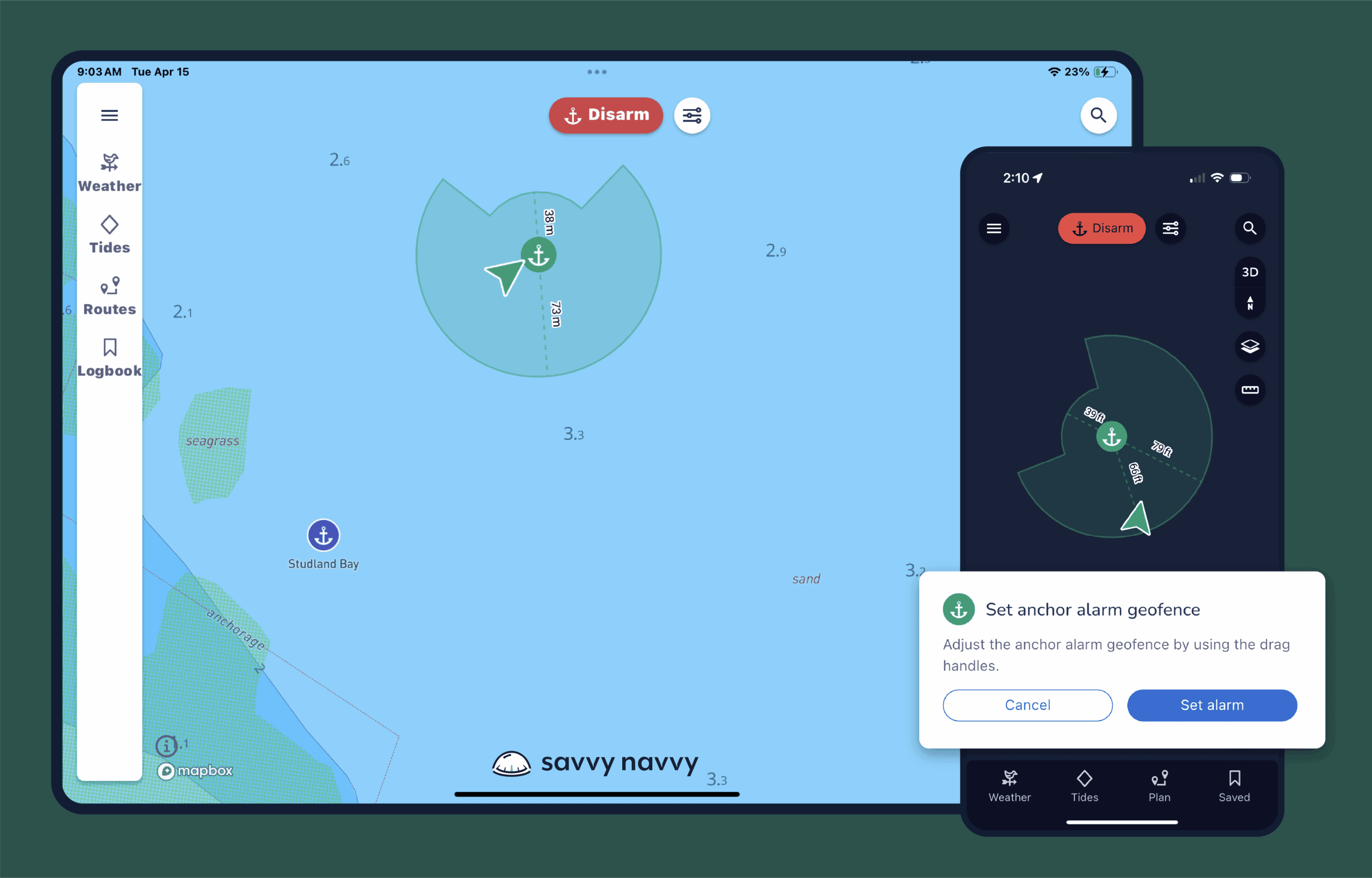
When Savvy Navvy navigation app asked me to review the app and share my impressions, I was curious enough to do a little background research before accepting. From the onset, the reviews I read were not that great—there were many negative comments. But because I’ve worked in software for most of my career, I know how new programs can have growing pains.
Three things stood out very clearly; 1. Most reviews were from some time ago and seemed caused mostly by a lack of knowing how to use some functions, 2. Reviews gave few details as to what was not right and 3. Most important to me, the Savvy Navvy team promptly replied to each review, offering their direct contact information to walk the customers through any issues and functionalities.
To me, this spoke volumes about the people behind the product and as such, I felt they deserved investing my time to review their latest version (v2). And I am glad I did!
Disclaimer
Just to be clear and as always, I do not get paid by product providers to write and share my opinions. I remain true and honest about my experience. In the case of Savvy Navvy, I was provided an access code to the app so that I can use it. No strings or expectations attached.
Apple and Android Compatible
Available on both Apple and Google stores, Savvy Navvy is quick to find, load and set-up. Which was very encouraging because the easier and more intuitive an application can be, the better the user experience.
I added the app to both my iPad and Android phone. You can add the app to multiple devices and access the app using the same login information on all devices. This is a helpful in my case because my wife could also have it on her devices as a back-up.
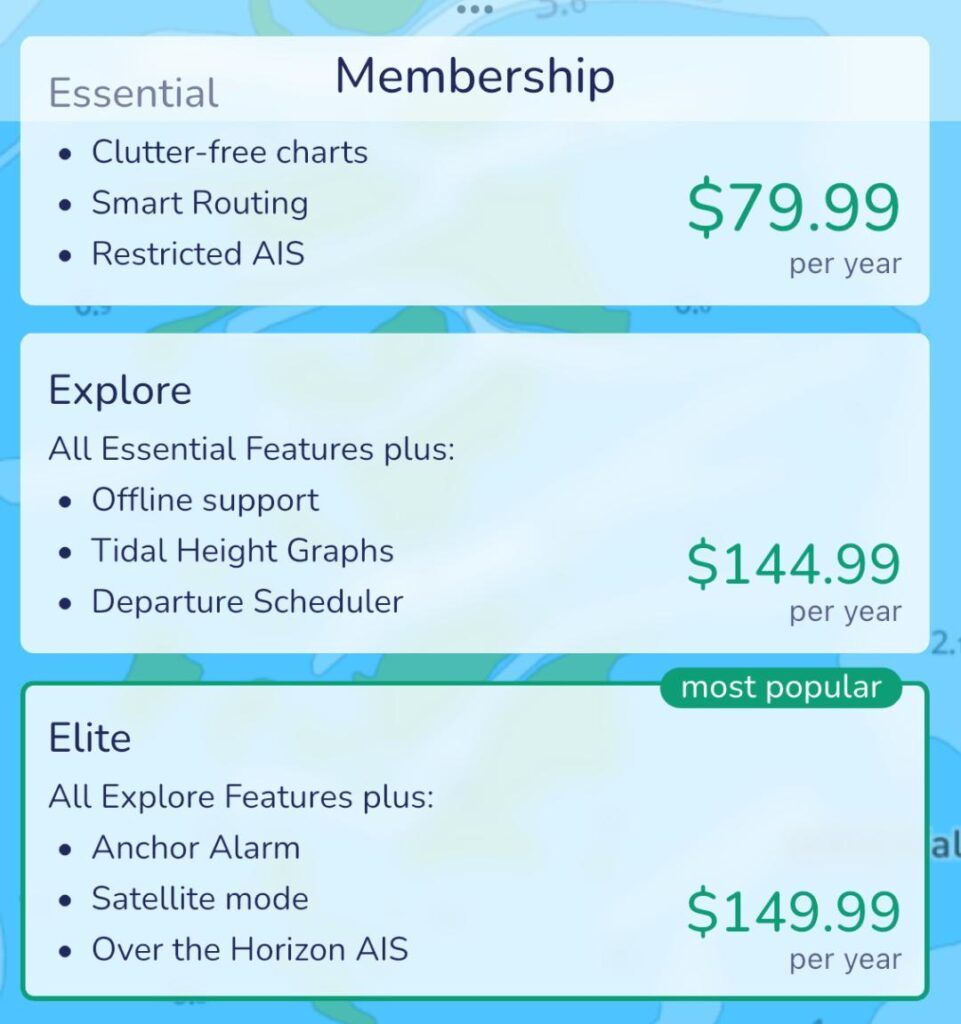
Besides a free trial period, Savvy Navvy offer three membership packages; Essential, Explore and Elite. At time of publication, the Essential is $79.99 per year, the Explore is $144.99 per year and the Elite is $149.99 per year.
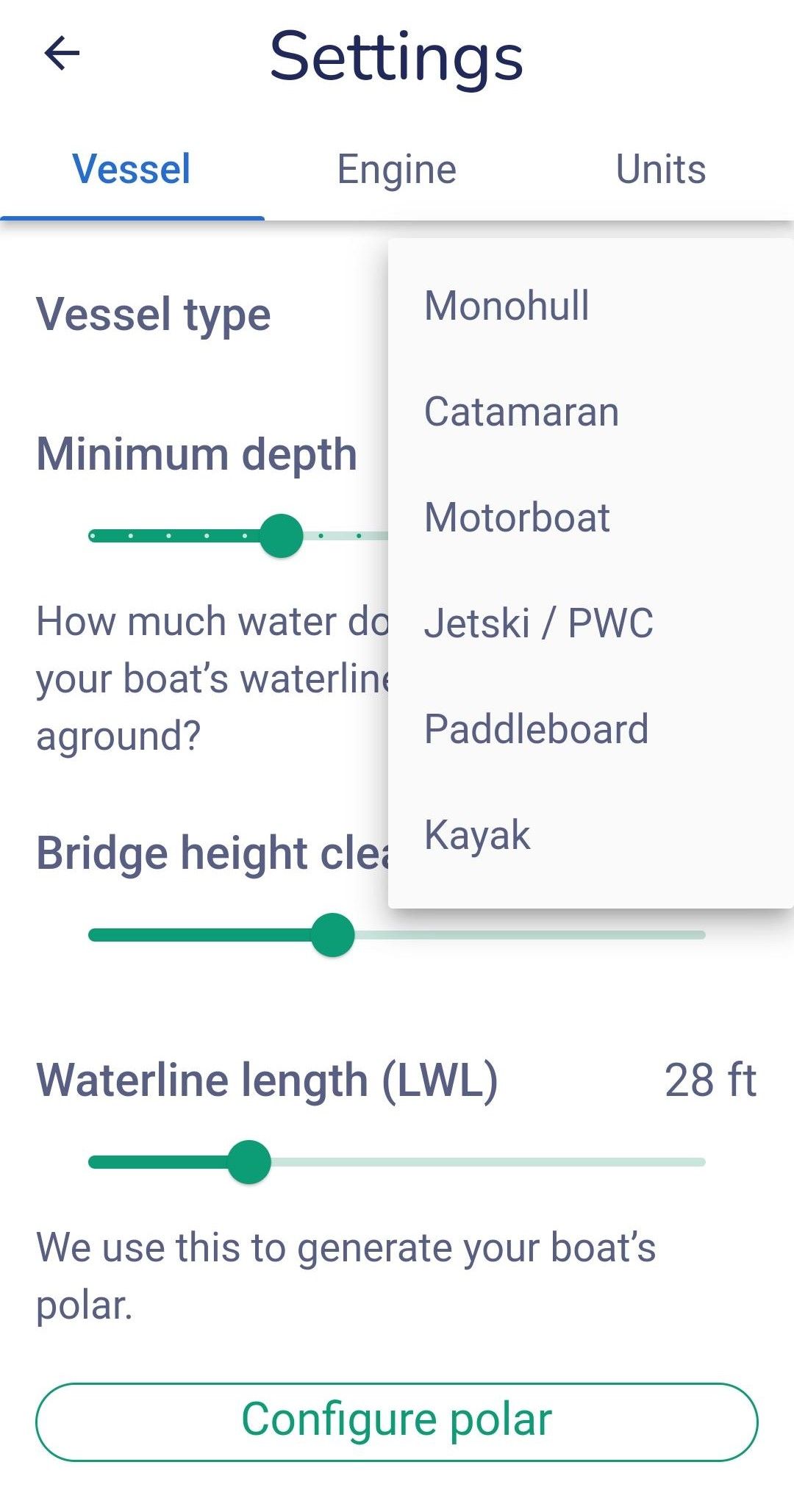
When you first log in, you have three easy screens to fill in to identify the type of boat(s) or water toy(s) you have, the dimensions and create your login info. And that’s it, you are done.
The great thing is, you can enter multiple boats. Even temporary ones if, for example like me, you charter a boat for a short period of time.
Included Charts
Once logged in, the first thing I looked for were the available charts. Impressively, it had all the charts worldwide—from our home waters around Montreal, to our frequent bareboat chartering waters of the Caribbean to the Med and the Adriatic. They were all there in full detail and color, which was a pleasant surprise. It even had some of the more recent navigational markers and aids I knew about. For most navigation apps I’ve used in the past, the app was free, but you had to pay to add the charts and areas you wanted.
Battery Usage
I tested the app using my Android phone and noticed that it did use a lot of battery power while tracking. After tracking a three-hour trip in the Sorento, my Android phone battery was down to 34 percent. So, the ability to plug the device in while underway and tracking, would be a good idea, albeit, not necessary, depending on how long you’re heading out.
Features
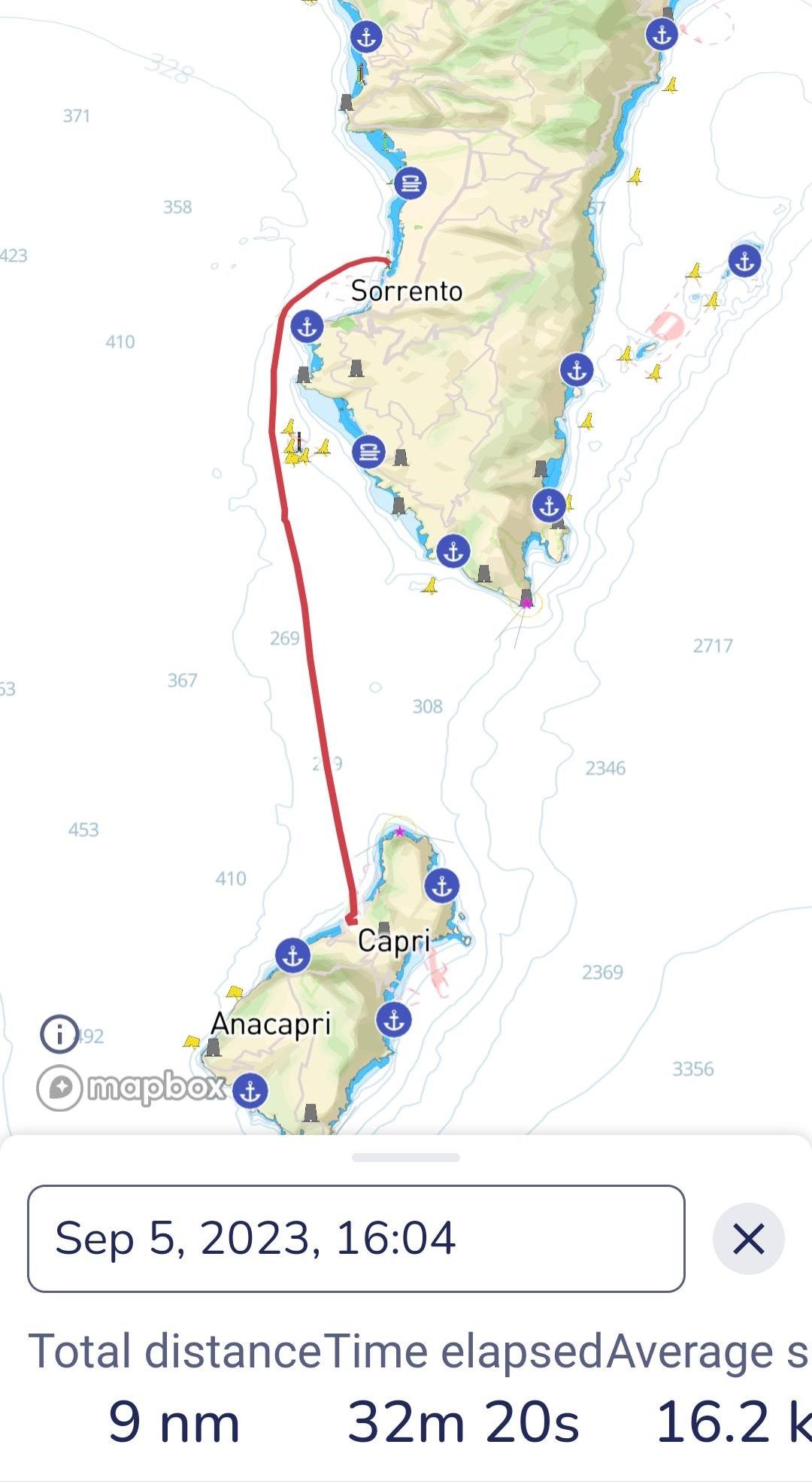
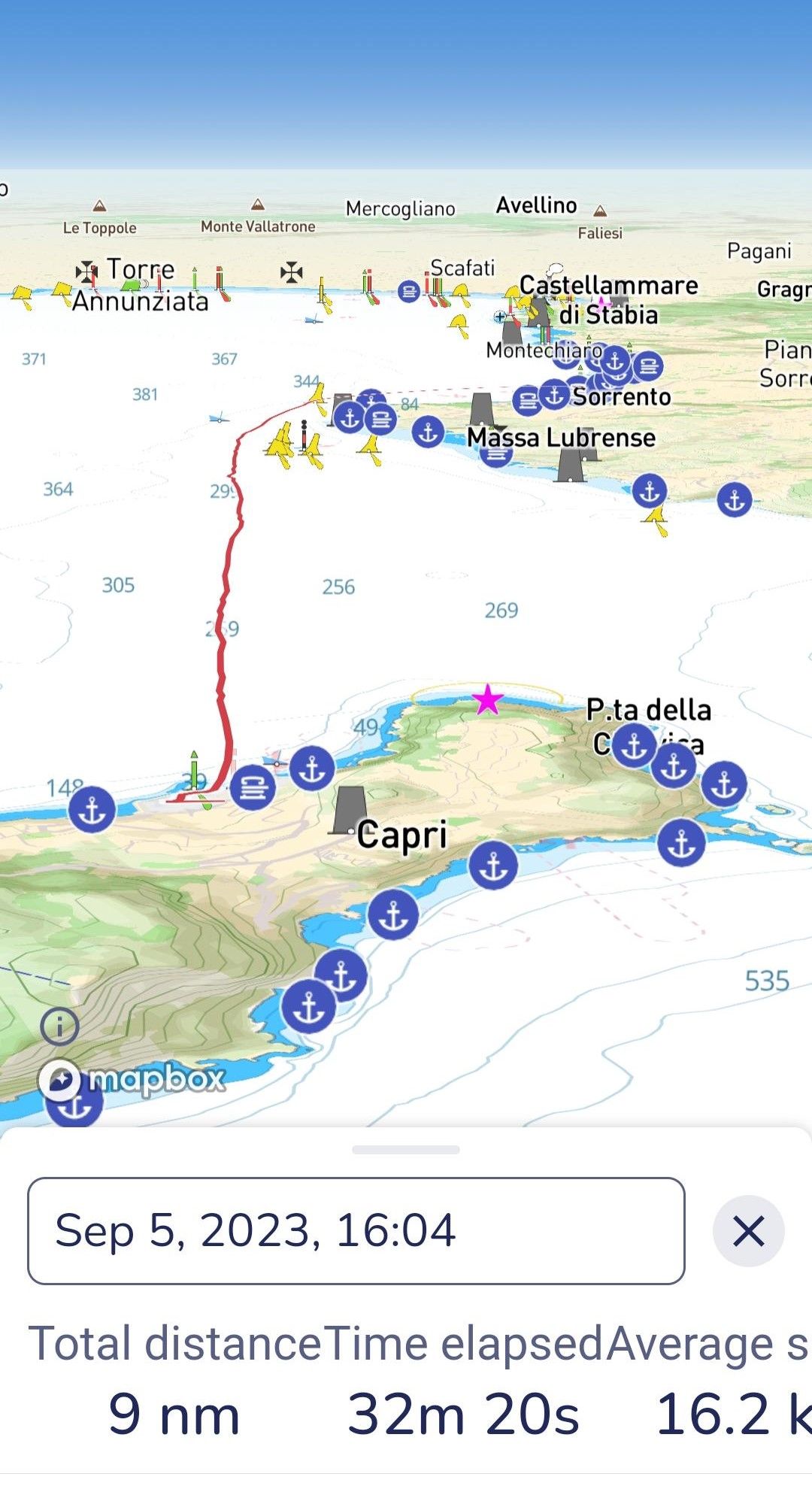
I enjoyed the many available features and ease of use. Switching the screen view from 3D to 2D was nice. As well as using two fingers to manipulate the image from rotation, zoom in and out, etc.
The AIS feature is also a huge and helpful feature. Any boat with AIS was clearly visible, including their track, speed, name and boat detail. This is a great feature not only for collision avoidance, but also when you want to hail one of them. While it’s true that many onboard navigation GPS system have AIS as well, it’s great to be able to access this information in real time on your mobile devices from anywhere.
Weather Forecast Integration
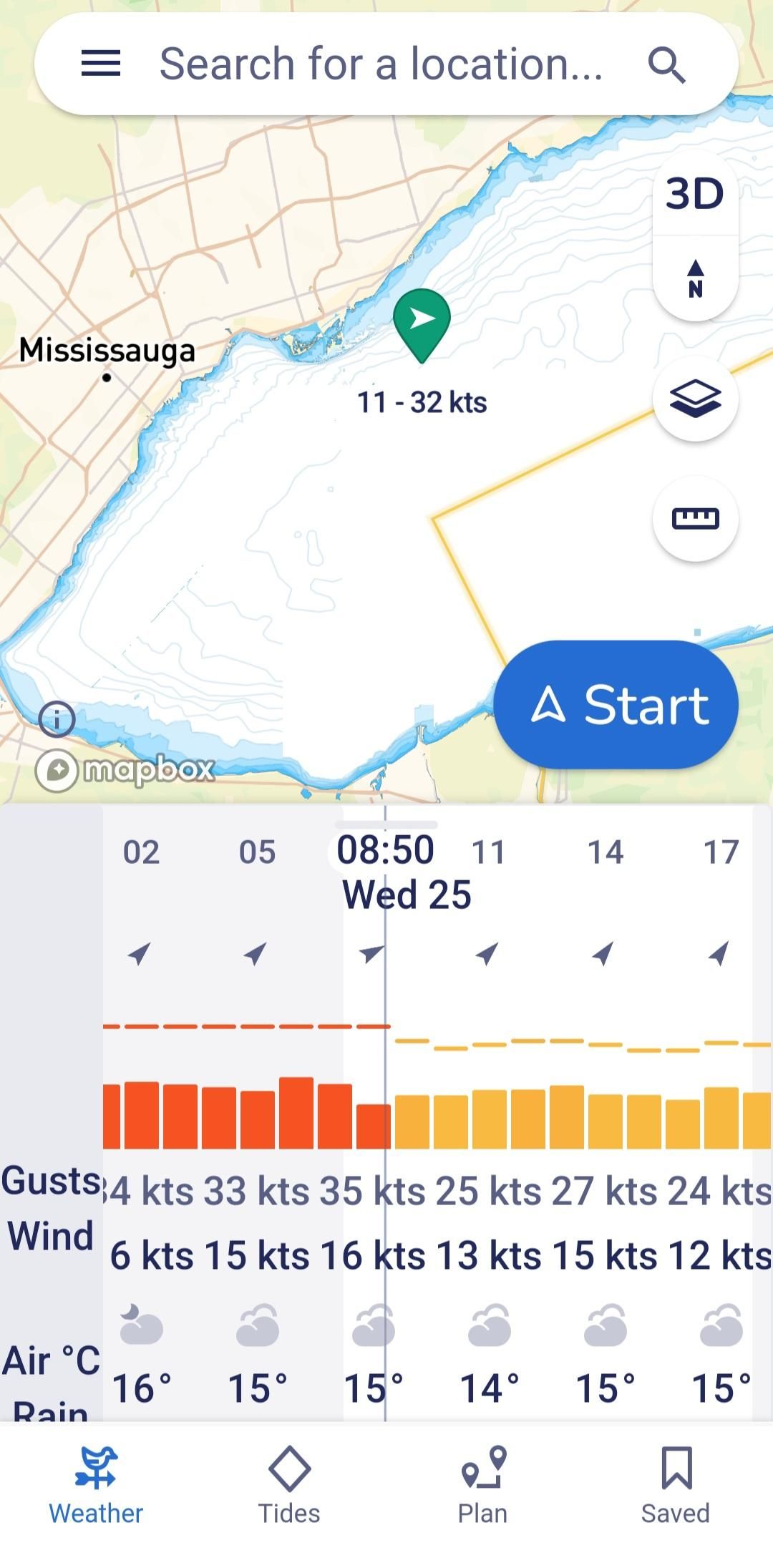
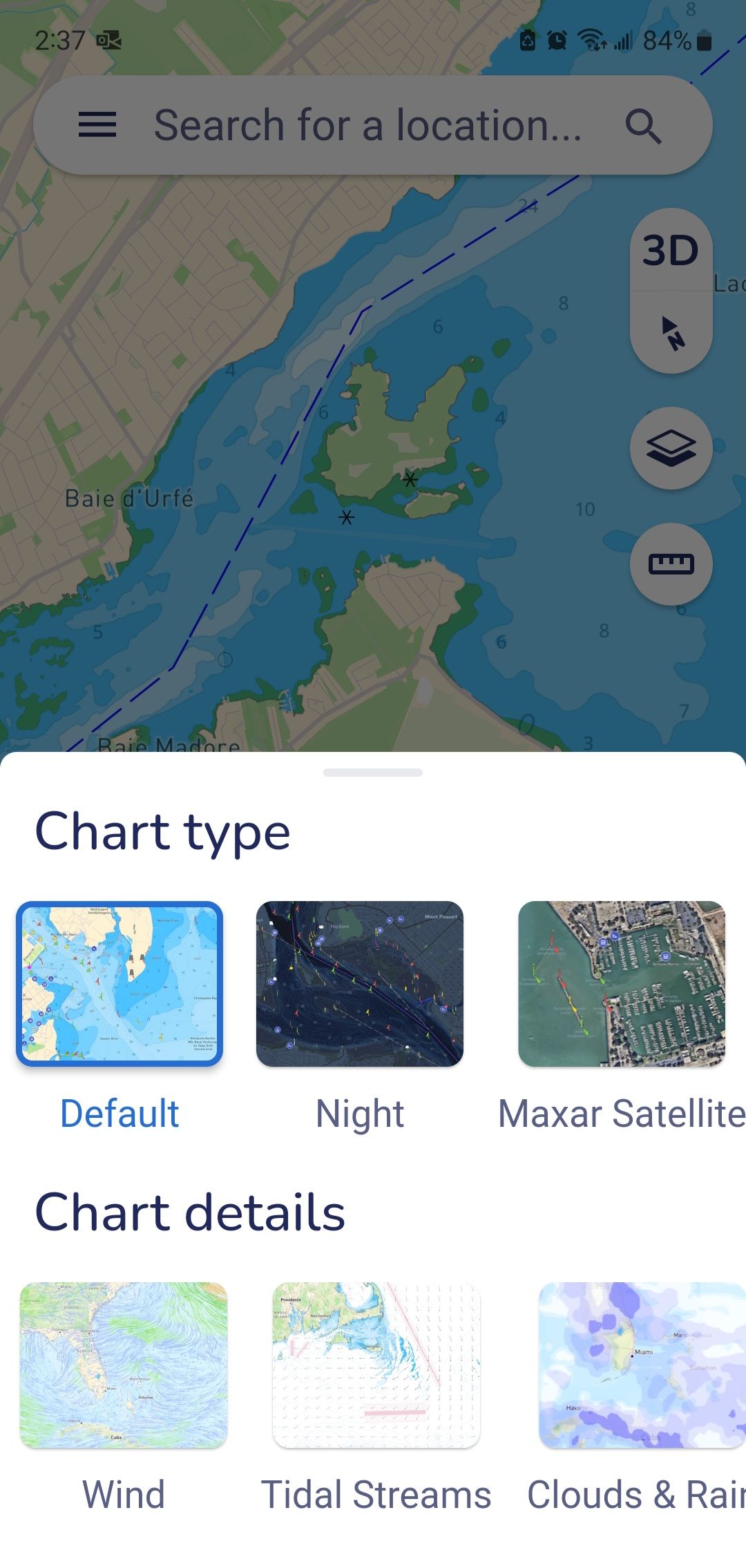
This is another great feature. With a simple click from the 2D, 3D or Satellite view, you can overlay the current, wind direction, wind speed, tides, temperature, etc., as well as scroll up to view the 10-days forecasted weather information. And, I must say it was pretty accurate during our recent 10 days in the British Virgin Islands.
Creating Routes
The app allows you to plan trips, create routes and courses, add waypoints, as well as access current worldwide charts and accurate live weather data. The more I explore this application the more I like it.
Once you’ve created a route, you can export it as a GPX file so you can send it to your chart plotter device.
The “Help & Tips” section is one of the best I’ve seen with short videos for each feature, which makes learning each one so much easier. No long-winded texts to read. Just watch the video for any feature you want to learn and use.
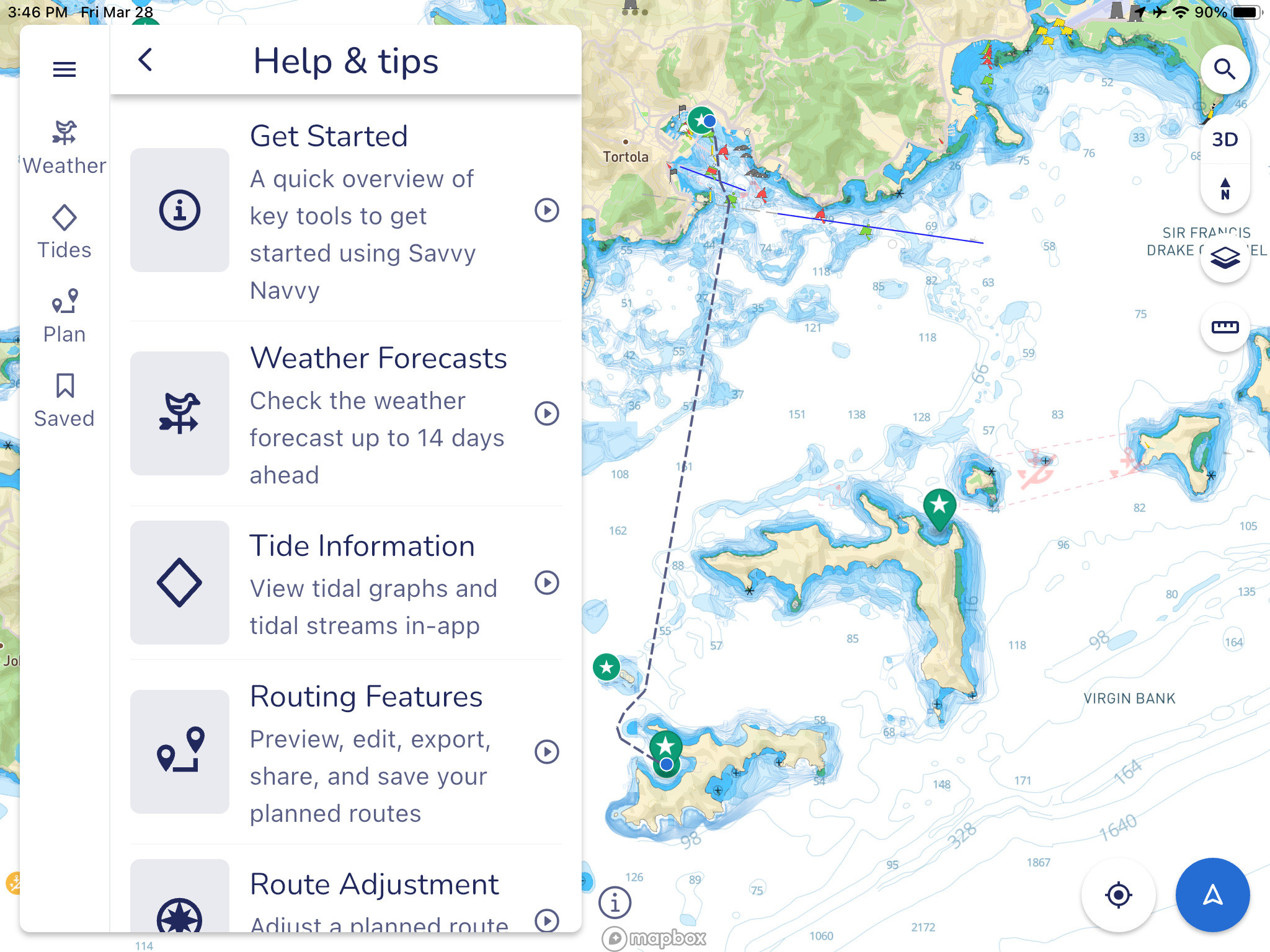
Another feature I enjoy is access to your routes, waypoints, etc. on any device. So, for example, any routes, waypoints, etc. you create on one device, you will have access to on any other device. Simply log in, and it’s all there.
I also like that when creating a route, you only need to click on the start point and end point, including any stops along the way, and the app will take a few seconds to create the route taking all navigational aids, buoys, obstacles, into account, including your boat’s specification (draft and air draft). So, entering these into your boat settings is highly recommended.
A Good Night’s Sleep
The Anchor Alarm is a great and simple feature to use. Making sure your Location is turned on your device(s), you set the anchor rode length you have out and at what distance do you want the alarm to sound. Once the boat goes outside that zone, a very distinct alarm will sound off, akin to a submarine diving alarm. It will also send out an email to warm you the boat is out of the safety area. You do have to leave one device onboard as a beacon. So, getting an email is very practical.
As they keep improving and adding more features, I look forward to learning more as I continue to explore Savvy Navvy.
To learn more about this app, visit their website at www.savvy-navvy.com














ANOTHER SUBSCRIPTION SERVICE! Once you spend the time to learn how to use all these details it is still going to cost you $80 to $150/year to keep it. Doesn’t any software maker sell ownership anymore? Forget it! I’ll keep using the software I bought 11 years ago and still happy with.
If you stay and navigate your well known waters, I can agree. However, if exploring new or lesser known waters, having updated charts in essential.
Thanks for your comments and for reading Practical Sailor.
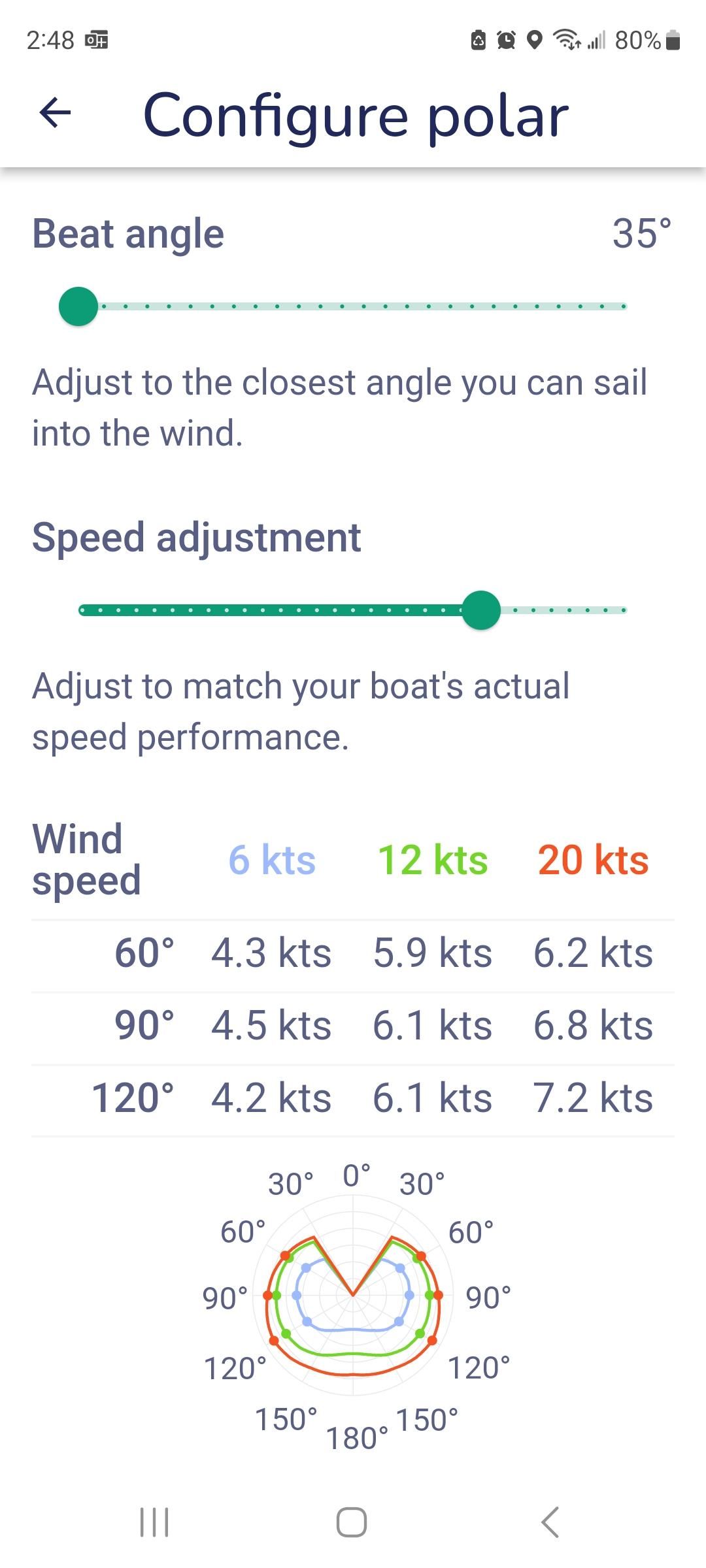
Did you work with the polars, and routing at all. Im curious if it will optimize routes based on wind/current?
Does it have any useful sailing specific features?
Hi Benjamin, thanks for being a PS reader. And yes I did use the polars and routing. Plus the short video tutorials are all the functions are really well made. You just have to make sure you enter the right boat details.
My recent experience with Savvy Navvy has been far less than stellar. I paid $149 for the premium version with U.S. charts. My primary desire was to find a program with both auto-routing and departure time optimization (accounting primarily for tidal currents). Adding in weather integration is a nice bonus. My test was a trip from the Chesapeake to Maine and back, and I ended up scrapping the app after several attempts to get it right. My boat settings seemed to reset to the default settings every time I exited the app (meaning I always had to reset them when I entered the app). The auto-routing was very funky; not nearly as good as the simple Garmin-Navionics app I’ve been using. When I tried adding interim way points to, for example, bring me through a marked channel instead of outside of it, the app always brought me back to its original route, creating a ridiculous and unusable route. And while the departure planning feature generated an array of departure options, the results almost never coincided with my manual calculations. Perhaps these issues are a result of user error, which brings me to the last issue. Other than brief videos giving a high level overview of various features, there is no user manual or more detailed help; or at least I couldn’t find any. I still have 10-months left on my annual subscription, so I’ll continue playing with the app until my subscription runs out. But right now I have no intention of renewing it despite my initial high hopes.
Bruce, since you last wrote to me Savvy Navvy has made huge improvements plus added many more features. This summer I plan on writing a follow-up article and make a video
Hi Bruce, thanks fir sharing. I would definitely contact the folks at Savvy Navvy. I’ve not had any of those issues. Plus all my settings remain on all my devices, Android and IOS.
I came here looking for current reviews of navigation apps, Savvy Navvy is the only one from this decade. I think PS should do an up to date survey of navigation apps!
Hi Bruce, I agree and will hopefully have time to review others. But with all the improvements and new added features, Savvy Navvy remain my #1 app.